


TLDR:
LinkedIn Premium Career costs $240/year but offers minimal value for job seekers. Most features either don’t integrate with employer ATS systems (used by 99% of Fortune 500 companies) or have free alternatives like ChatGPT. Better investment: Focus on ATS-optimized resume tailoring, which actually impacts hiring decisions.
You’re considering spending $239/year on LinkedIn Premium Career. Before you do, ask yourself: will a better LinkedIn profile help you get past the Applicant Tracking Systems that filter out 80% of resumes before any recruiter sees them?
The answer is no. Here’s why, and what actually works instead.
Evaluating the benefits of LinkedIn Premium Career
LinkedIn’s official site lists the following benefits and features of the LinkedIn Premium Career subscription:
- Find The Right Job
- Standing Out From Competition
- Networking
- Learning
Benefit: Finding The Right Job
Does LinkedIn’s “Applicant Insights” Give You An Unfair Advantage Over Your Competitors?
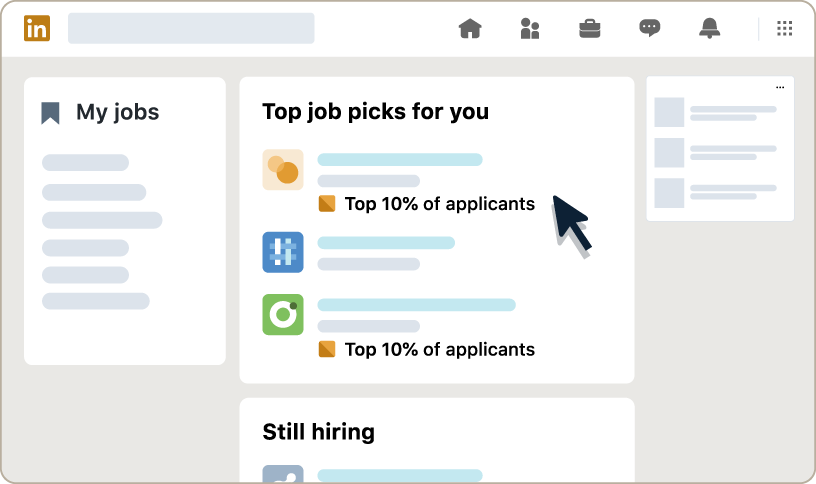
LinkedIn Premium’s Applicant Insights feature helps you identify if you’re among the top 10% of candidates who have applied for a job. While this seems valuable for prioritizing where to spend your application time, there are significant limitations.
Practical Considerations
- LinkedIn only sees applicants who apply through their platform, not those applying via company websites, job boards, or referrals
- Rankings change as more people apply, so you’re working with a snapshot in time
- LinkedIn’s ranking algorithm may differ significantly from what the actual employer values. (Based on various Reddit discussions, recruiters don’t find LinkedIn’s “top applicant” useful for evaluating actual fit)
Alternatives
- Use specialized tools like Upplai to get a comprehensive resume score and ATS score with detailed breakdowns of job requirements, missing skills, missing keywords and ATS optimization suggestions
Our Assessment
Medium value. While imperfect, this ranking can help you prioritize applications, but don’t rely on it as your primary decision-making tool. We feel that instead of paying $29.99/month for limited insights, you can get comprehensive ATS scoring for free.
This will help you understand exactly how your resume performs against ATS systems with detailed keyword analysis and optimization suggestions.
Do the advanced search filters on LinkedIn actually help?
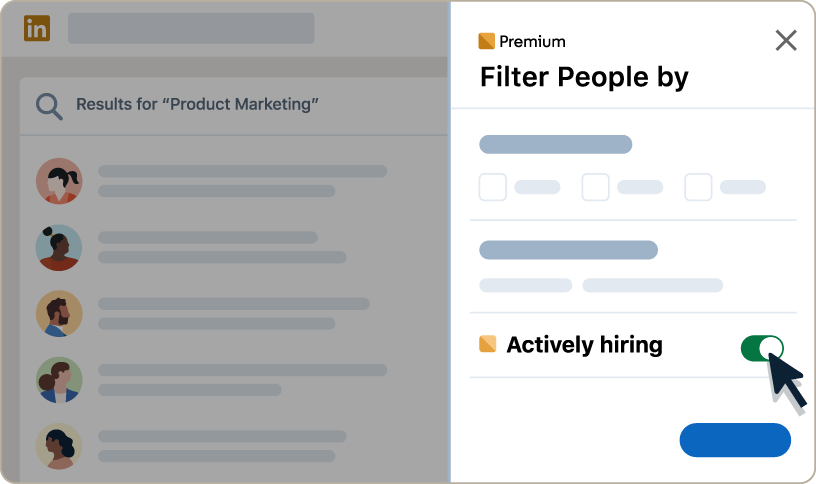
LinkedIn Premium Career users get access to advanced search filters like “actively hiring companies” and “jobs with fewer than 10 applicants”. While this may sound like another edge to stay ahead of competitors, let’s think through the practical considerations.
Practical Considerations
- Looking for employers who are “actively hiring” might indicate that the employer is hiring for multiple roles, but it doesn’t necessarily mean that all the roles are relevant to you. Neither does it mean that you have a higher chance of getting hired by that employer than any other employer who may be hiring for just one role
- In today’s market, jobs receive hundreds of applications within hours, making the “fewer than 10 applicants” filter largely irrelevant within a couple of days if not hours
Alternatives
- Use LinkedIn’s free search with the “jobs posted in the past 24 hours” filter for recently posted jobs to apply before your competitors do
Our Assessment
Low value. The premium search filters don’t provide meaningful advantages in today’s competitive job market.
Does Marking a Job as “Top Choice” Get You Noticed?
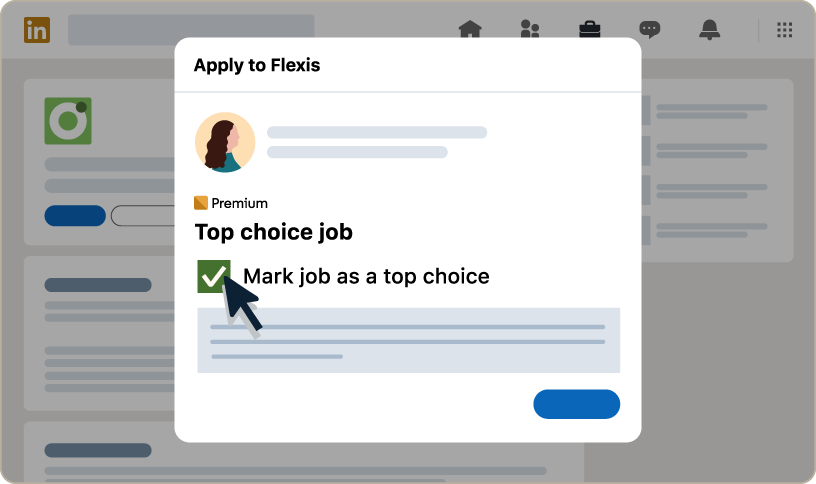
As a LinkedIn Premium Career user, you can select up to 3 jobs as your ‘top choice’ job every month. This allows you to include an additional 400-character message to recruiters. LinkedIn claims this improves job application response rates by 43%. But does it actually improve outcomes?
Practical Considerations
- In today’s job market, recruiters are already overwhelmed with hundreds of applications and likely won’t have time to read additional messages beyond resumes and cover letters
- The top choice message is shown only in LinkedIn’s recruiter interface, not in companies’ main ATS systems, where most hiring decisions are made. (99% of Fortune 500 companies and 75% of large employers use some form of ATS in their hiring process, and most route all applications through these systems)
Alternatives
- Use a compelling cover letter and a strong resume summary to convey the same information
- These traditional methods work across all application channels and appear in employer ATS systems
Our Assessment
Low value. This feature doesn’t integrate with most companies’ actual hiring workflows.
Benefit: Standing Out From Competition
Does Being A “Featured Applicant” Improve Your Interview Chances?
LinkedIn Premium Career users can use the ‘Feature My Application’ functionality to highlight their application with a premium badge and to show it above non-premium users. But does it improve interview chances?
Practical Considerations
- This is essentially a “sponsored” placement. Recruiters understand applicants are paying for visibility.
- Additionally, the ‘featured applicant’ badge and ranking only appear in LinkedIn’s recruiter interface, not in the employer’s ATS, the primary platform most employers use for hiring decisions
Alternatives
- None. The closest alternative would be getting a referral from someone at the company
Our Assessment
Low value. There’s no independent evidence linking LinkedIn’s ‘featured applicant’ feature to improved hiring outcomes.
Is LinkedIn’s “AI Profile Writing” Better Than ChatGPT?
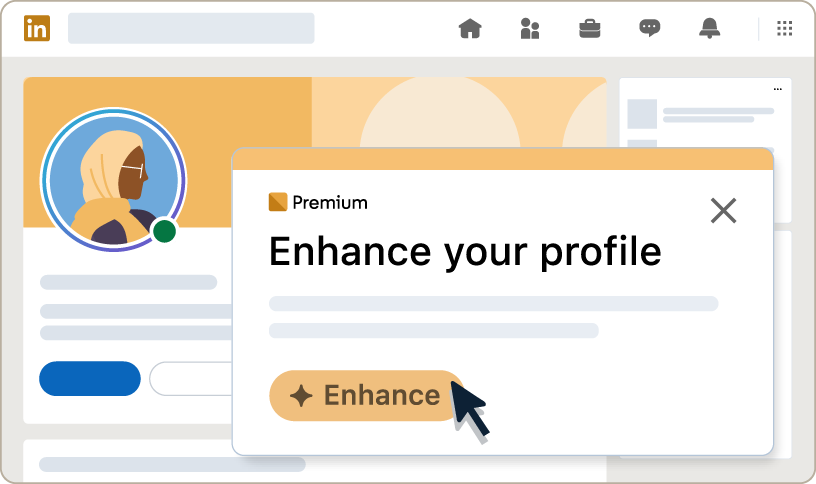
LinkedIn Premium Career users can use LinkedIn’s AI features to enhance their profile to stand out to recruiters. But how does it compare to ChatGPT, which most job seekers already know and use?
Practical Considerations
- LinkedIn’s AI and ChatGPT use similar underlying technology, but ChatGPT offers more flexibility and customization options
- You can give ChatGPT more detailed prompts and context about your specific industry or role
Alternatives
- ChatGPT, Claude, Gemini, or Copilot with prompts like:
- “Rewrite my LinkedIn headline for a [job title] role highlighting my [specific skills] skills and [specific experience] experience.”
- AI resume optimization tools that can also help with LinkedIn profile enhancement
Our Assessment
Low value. ChatGPT provides equal or better results with more flexibility, and it’s completely free.
Can LinkedIn’s “AI-Powered Job Insights” Predict Your Interview Chances?
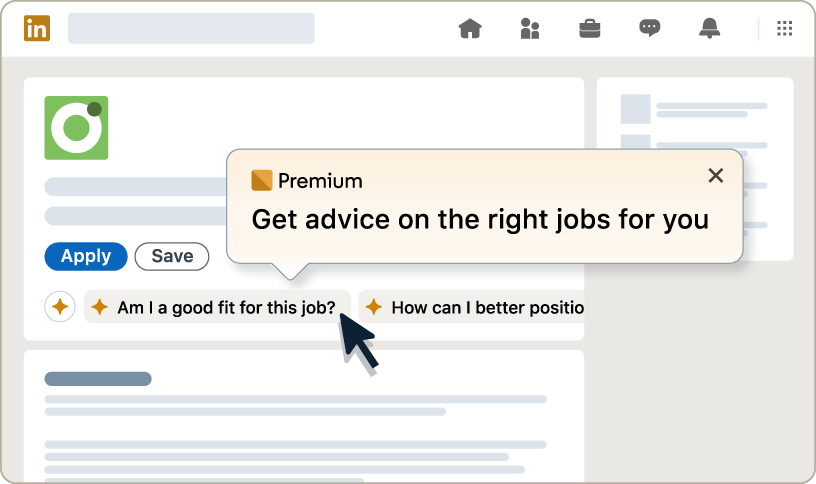
LinkedIn Premium Career users can get AI-powered insights on job posts to better understand whether they are a good fit for a role, how to stand out to recruiters, etc. But can these insights actually predict your likelihood of getting an interview?
Practical Considerations
- Free AI assistants like ChatGPT, Gemini, Claude, and Copilot can analyze job descriptions and provide fit assessments, with the added benefit of allowing follow-up questions and deeper analysis
- Most importantly, LinkedIn cannot give you an ATS score, a crucial data point showing how your resume might perform in the systems used by 99% of Fortune 500 companies
- LinkedIn’s insights focus on general advice rather than specific, actionable optimization for a role
Alternatives
- ChatGPT, Gemini, Claude, or Copilot for free job fit analysis with unlimited follow-up questions
- Specialized platforms like Upplai for comprehensive ATS scoring and resume keyword optimization that actually impact interview chances
Our Assessment
Low value. Better insights available through free tools, especially those like Upplai that also include crucial ATS optimization strategies that actually help you get past initial screening.
Benefit: Networking
Do Profile View Analytics Actually Help Your Job Search?
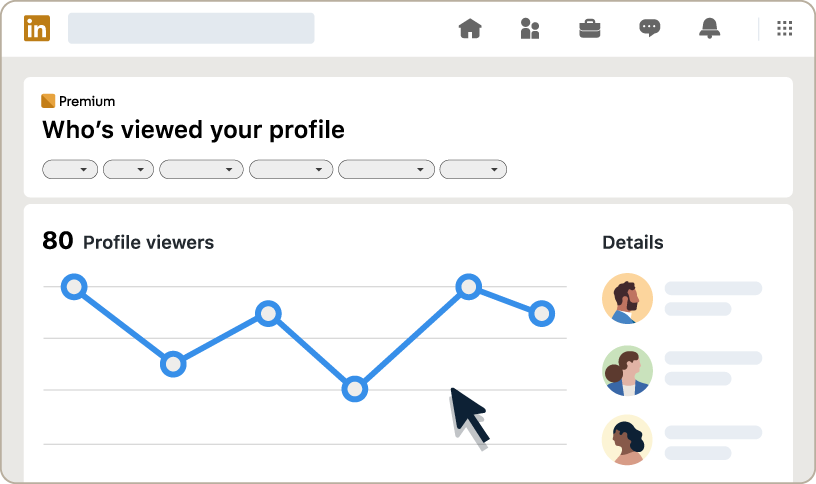
LinkedIn Premium Career users can see who viewed their profile over the past year, analyze viewer trends, and browse profiles anonymously. But does knowing who viewed your profile actually help you land interviews?
Practical Considerations
- Profile view data is primarily a vanity metric that doesn’t directly impact job application success
- LinkedIn’s free version already provides the actionable information you need. For example, it might show the person’s name, or it might say something like, “Someone at XYZ company”
- Anonymous browsing isn’t typically useful for job seekers, who typically want to be visible to potential employers
- Focusing on profile views can be a distraction when you should be spending time on applications and networking
Alternatives
- Use LinkedIn’s free profile view information to follow up when companies you’ve applied to check your profile
Our Assessment
Low value. This feature provides limited actionable insights and can actually distract from more productive job search activities.
InMail: Is Direct Messaging Worth the Premium Price?
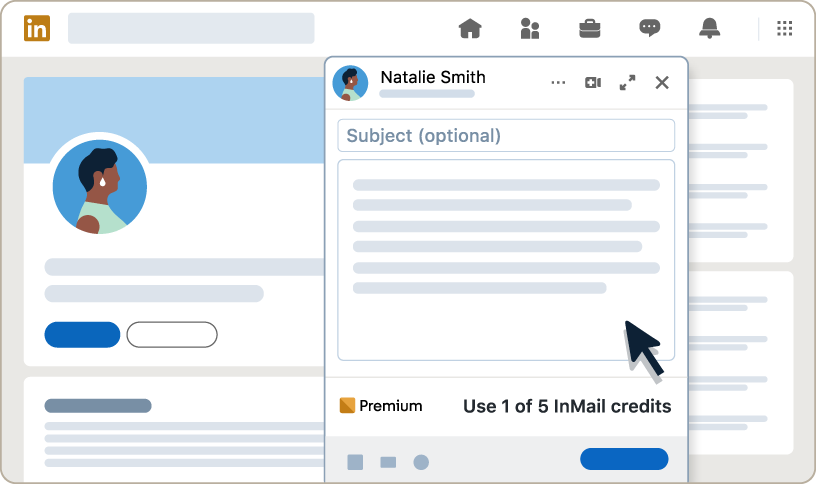
LinkedIn Premium Career users can send 5 InMail messages per month to people outside their network. But are 5 InMails worth the $30 when you’re actively job searching?
Practical Considerations
- If you’re actively applying for jobs, you’re likely to apply to more than 5 roles in a month- meaning you’ll want to contact more than 5 employers monthly
- If you know a person’s name, you can often guess their email address using commonly used formats:
- <first name>.<last name>@<company domain> => john.doe@acme.com
- <first name>_<last name>@<company domain> => john_doe@acme.com
- <first name initial><last name>@<company domain> => jdoe@acme.com
- <first name>@<company domain> => john@acme.com
- Many professionals’ email addresses can be found through quick research
Alternatives
- LinkedIn’s free connection request feature with personalized messages
- Educated guessing using commonly used email formats
- Use tools like Perplexity AI to find their email address. Simply use a prompt like:
- “What is the official email address of John Doe who works at Acme Corp (https://acme.com)?”
- Connect with mutual contacts to get introductions
Our Assessment
Medium value. Useful but insufficient quantity, and free alternatives exist.
Do You Need LinkedIn AI For Drafting Messages?
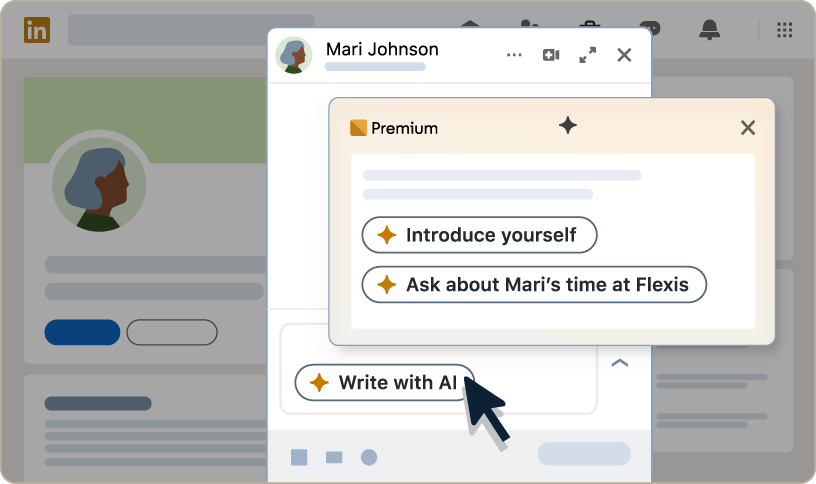
LinkedIn Premium Career users can get help drafting a message to a hiring manager using LinkedIn’s AI. While this can be useful, does it justify paying $30/month when free alternatives exist?
Practical Considerations
- Free AI assistants like ChatGPT, Gemini, Claude, and Copilot can craft equally effective messages to hiring managers
- These free alternatives offer greater flexibility for follow-up requests, revisions, and tweaks
- You can provide more context and specific instructions with free AI tools compared to LinkedIn’s built-in prompts
- These tools integrate into workflows you’re likely already using for other job search tasks
Alternatives
- ChatGPT, Gemini, Claude, or Copilot for message drafting with unlimited follow-ups
- Use prompts like:
- “Help me write a professional message to a hiring manager at [Company] about the [Job Title] position, expressing my interest in the role, mentioning [specific detail from job posting], and explaining how my experience with [specific experience] at [company] aligns with their requirements”
Our Assessment
Low value. Free alternatives are equally effective with more flexibility and customization options.
Benefit: Learning
Is LinkedIn Learning Helpful During Job Search?
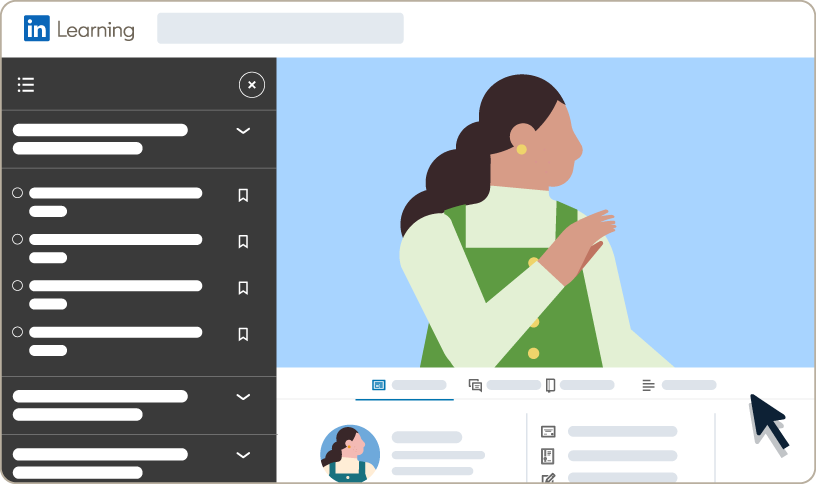
LinkedIn Premium Career includes full access to LinkedIn Learning’s 21,000+ courses covering business, technology, and professional skills. But is this the right time to be taking courses?
Practical Considerations
- Most effective job seekers acquire necessary skills and certifications before beginning their active job search, to include them on their resume and LinkedIn profile
- During the job search period, your time is better spent on applications, networking, and interview preparation rather than learning new skills
- New skills learned during your job search won’t help with applications you’re sending today
Alternatives
- Udemy, Coursera, Skillshare, and many free educational platforms
- Free YouTube courses and tutorials
- Focus learning time before or after your active job search period
Our Assessment
Low value for active job seekers. Better to upskill before job searching begins, then focus entirely on applications and networking.
The Verdict: Where Should You Actually Invest Your Job Search Budget?
LinkedIn Premium Career: Feature Value Summary
| Feature | Our Assessment | Why |
|---|---|---|
| Applicant Insights | Medium | Helpful but limited data |
| Advanced Search Filters | Low | Minimal practical advantage |
| Top Choice Jobs | Low | Doesn’t integrate with employer systems |
| Featured Applicant | Low | No proven impact on hiring |
| AI Profile Writing | Low | Free alternatives available |
| AI Job Insights | Low | Missing crucial ATS insights |
| Profile Views | Low | Vanity metric with limited value |
| InMail | Medium | Useful but limited, alternatives exist |
| AI Message Drafts | Low | Free alternatives available |
| LinkedIn Learning | Low | Poor timing for active job seekers |
The average job search takes 5 months. At $29.99/month, LinkedIn Premium Career would cost you $150 for features that largely duplicate free tools or don’t integrate with the systems employers actually use for hiring decisions.
Here’s the reality: 99% of Fortune 500 companies use Applicant Tracking Systems (ATS) for automated resume screening, filtering out up to 80% of applicants before any human reviews their application. Your LinkedIn profile – premium or not – doesn’t help you get past this screening.
Better Investment: The $150 Alternative
Instead of spending $150 on LinkedIn Premium over 5 months, here’s what that budget actually gets you with tools designed for ATS optimization:
With ATS-focused platforms like Upplai:
- 150-300 tailored resumes optimized for specific jobs ($0.50-$1 each)
- Each includes a custom cover letter (proven to improve interview chances by 1.9X)
- Real-time ATS scoring as you edit (not available with LinkedIn Premium)
- Complete transparency on what changed and why
- 200 resume and ATS scores every month
Or invest $0 and still get better results than LinkedIn Premium:
- Use Upplai’s free tier for 3 tailored resumes + 200 ATS scores monthly
- Use ChatGPT for LinkedIn profile optimization (free vs. LinkedIn’s paid AI)
- Apply within 24-48 hours of job postings using LinkedIn’s free job alerts
- Focus on quality applications to roles where you’re a strong fit
What Actually Matters in Today’s Job Market?
Success in modern job searching requires beating automated screening systems first, then impressing human recruiters second. Here’s what actually works:
Priority 1: ATS Optimization
- Ensure your resume includes job-specific keywords in the right context
- Use ATS-friendly formatting (no complex tables, graphics, or unusual fonts)
- Get your ATS score above 70 to avoid automatic rejection
Priority 2: Resume Tailoring
- Customize your resume for each job application (not just a one-time LinkedIn profile optimization)
- Highlight relevant experience and skills that match the job description
- Use achievement-focused bullet points with metrics
Priority 3: Speed and Consistency
- Apply within 24-48 hours of job postings (using LinkedIn’s free job search filters)
- Maintain application velocity – but only to roles where you’re a strong fit
- Track your applications and follow up strategically