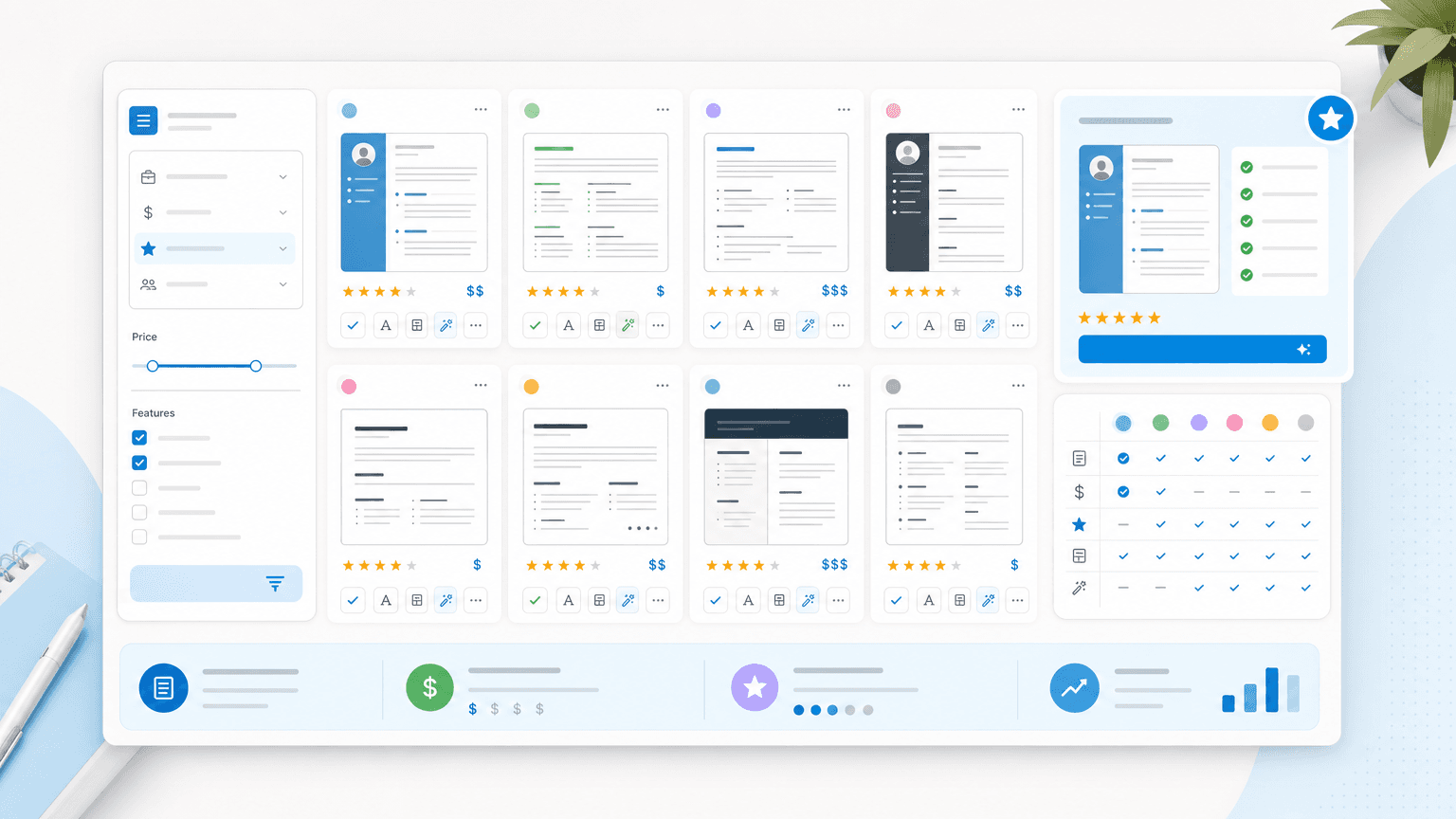
Search "resume builder" in 2026 and you'll get hundreds of results, most of them promising the same thing: a polished, recruiter-ready resume in minutes. The hard part is finding the right tool that does what it says, doesn't trap you in a subscription, and produces a resume that gets past ATS filters instead of just looking nice on screen.
So I went and did the research myself. Below are the ten resume tools I'd actually recommend to a job seeker in 2026. I have included what each one is best at, what to watch for, and what it costs right now.
How I Chose the Best Resume Builders
I pulled together the most-discussed resume tools from Trustpilot and from job-search threads on Reddit, which got me to a shortlist of around 30 names.
Then I read the reviews themselves, both the five-star ones and the one-star ones. The ratings tell you the headline, but the written reviews tell you the real story: where people felt the tool delivered, where they felt misled, and which complaints showed up again and again across hundreds of users.
I weighed a few things:
- How people rated the tool overall
- Whether the praise was specific (landed interviews, easy editing, helpful support) or vague
- Whether the complaints pointed to one-off frustrations or a pattern, especially around pricing and cancellation
That narrowed the field to the ten below.
Prices reflect public pricing pages as of mid-2026 and change often, so confirm the current rate before you pay.
The 10 Best Resume Builders in 2026 at a Glance
| Tool | Best feature | Best for | Starting price |
|---|---|---|---|
| Rezi | Real-time ATS score as you edit | Applicants targeting ATS-heavy roles (Big Tech, Fortune 500, government) | Free, $29/month (or $149 one-time lifetime) |
| Upplai | Transparent, explained AI edits | Active job seekers tailoring to many roles who want control | Free, then $0.50 to $1.00 per resume |
| JobLeads | Build a resume and apply to matching jobs in one place | Job seekers who want an all-in-one builder plus job search | Free, $2.99 (14-day trial) or $99.99/3 months |
| Enhancv | Design plus content suggestions | Candidates in creative or design-leaning fields | 7-day free trial then $29/month |
| Resume Genius | Guided builder with pre-written content and Word export | Beginners who have never written a resume before | $23.95 every 4 weeks (after a $2.95 trial) |
| Kickresume | AI drafting plus polished templates | Job seekers who want AI help and standout design | Free, $13/week |
| Teal | Job tracker and matching mode | High-volume applicants juggling many applications | Free, premium from ~$9/week |
| Novoresume | Clean one-page templates | Early-career candidates wanting a tidy single page | Free, $21.99/month |
| Zety | Large template and content library | Less tech-savvy users who want step-by-step guidance | ~$25.95 every 4 weeks (after a $1.95 trial) |
| Resume.io | Smooth editor with live preview | Anyone needing a clean, conventional resume in a hurry | $29.95 every 4 weeks (after a $2.95 trial) |
Rezi: Best for ATS Keyword Optimization
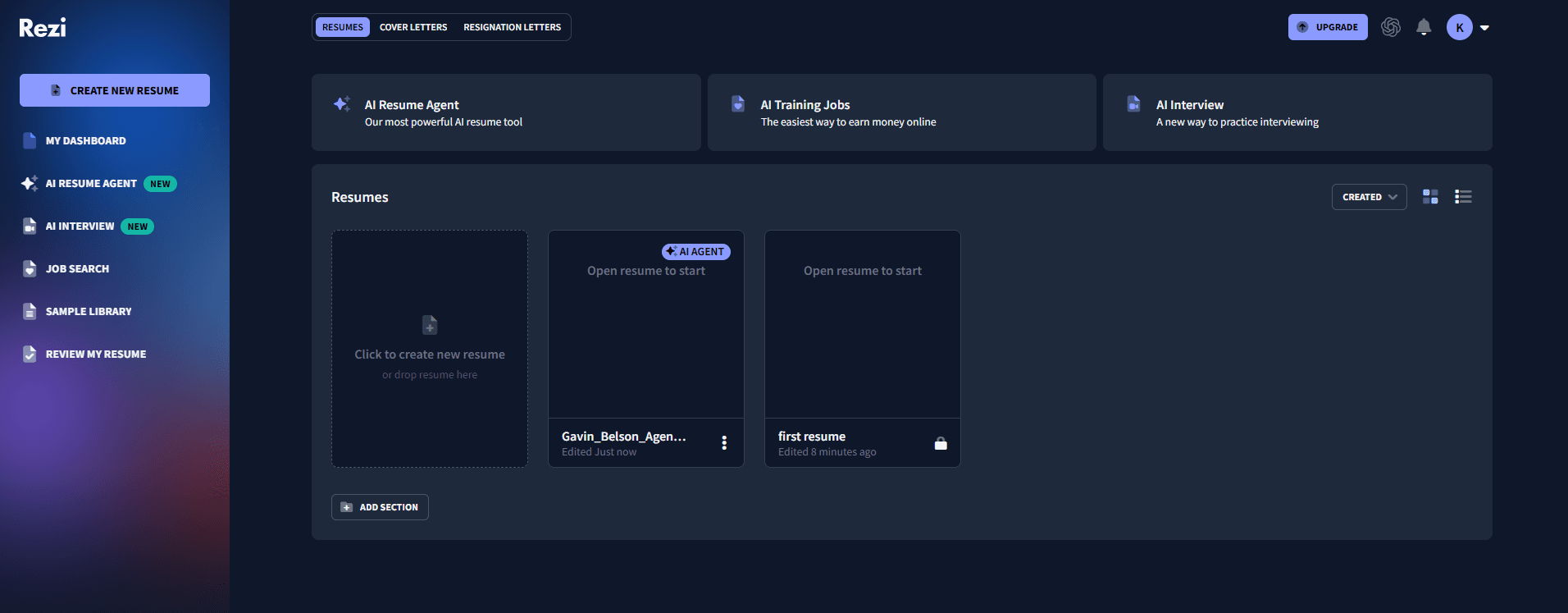
Rezi is built around one idea done well: showing you a real-time ATS score as you edit, so you can see the impact of each change instead of guessing. It also includes an AI bullet-point writer and a keyword match tool that compares your resume to a target job.
In the reviews, people single out the clean editor and, notably, the customer support. More than one reviewer described a specific problem getting fixed quickly, which is rarer in this space than it should be.
What I Liked About Rezi
- Real-time ATS score: You watch your match rating respond to each edit instead of guessing what helps
- Keyword matching: It compares your resume against a target job and flags the terms you're missing
- AI bullet writer: It drafts experience bullets quickly when you're staring at a blank section
- Responsive support: Several reviewers describe a specific problem getting solved fast, which is uncommon here
What I Didn't Like About Rezi
- AI output reads flat: The drafts needed editing before they felt personal
- Plain templates: The designs are conservative, so creative fields may want more visual range
- Tight free plan: The free tier caps you at one resume and three downloads
Rezi Pricing
- Free: One resume, three downloads, basic ATS checks
- Pro: $29/month for unlimited resumes, full AI, and keyword tools
- Lifetime: $149 one-time, which works out cheaper across a multi-year career
Upplai: Best Resume Builder Without a Subscription
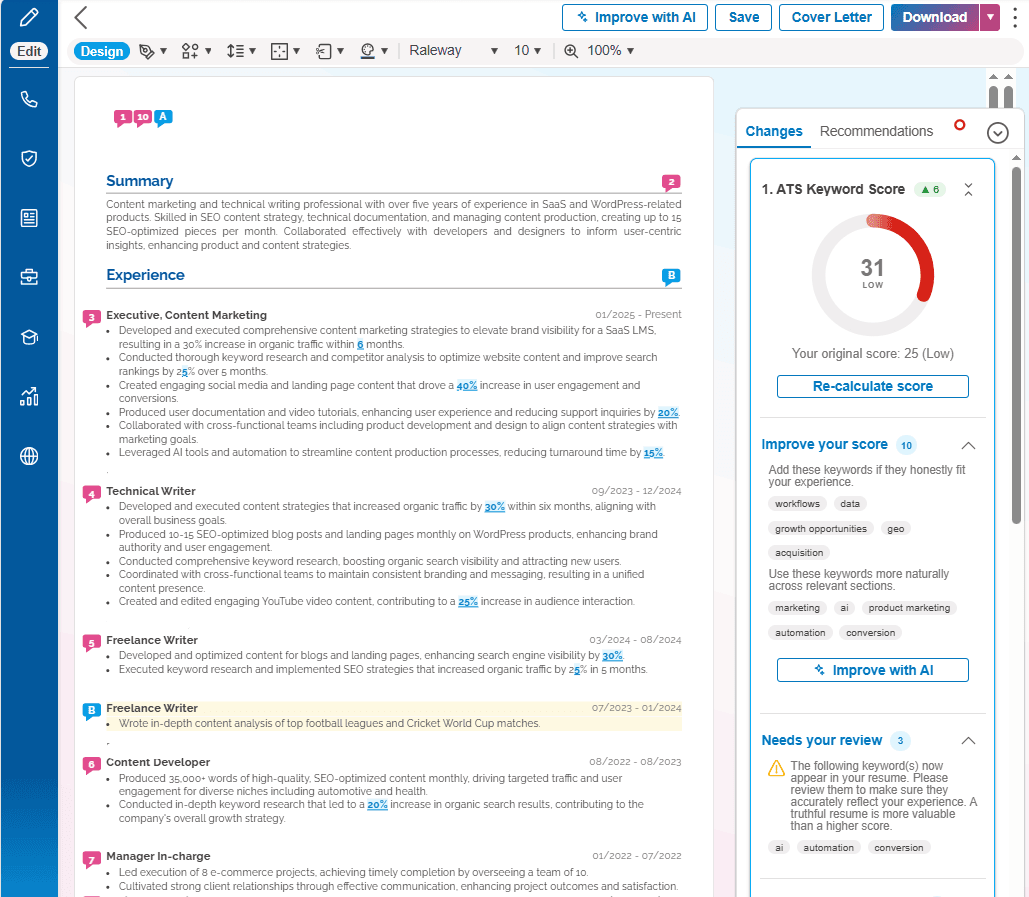
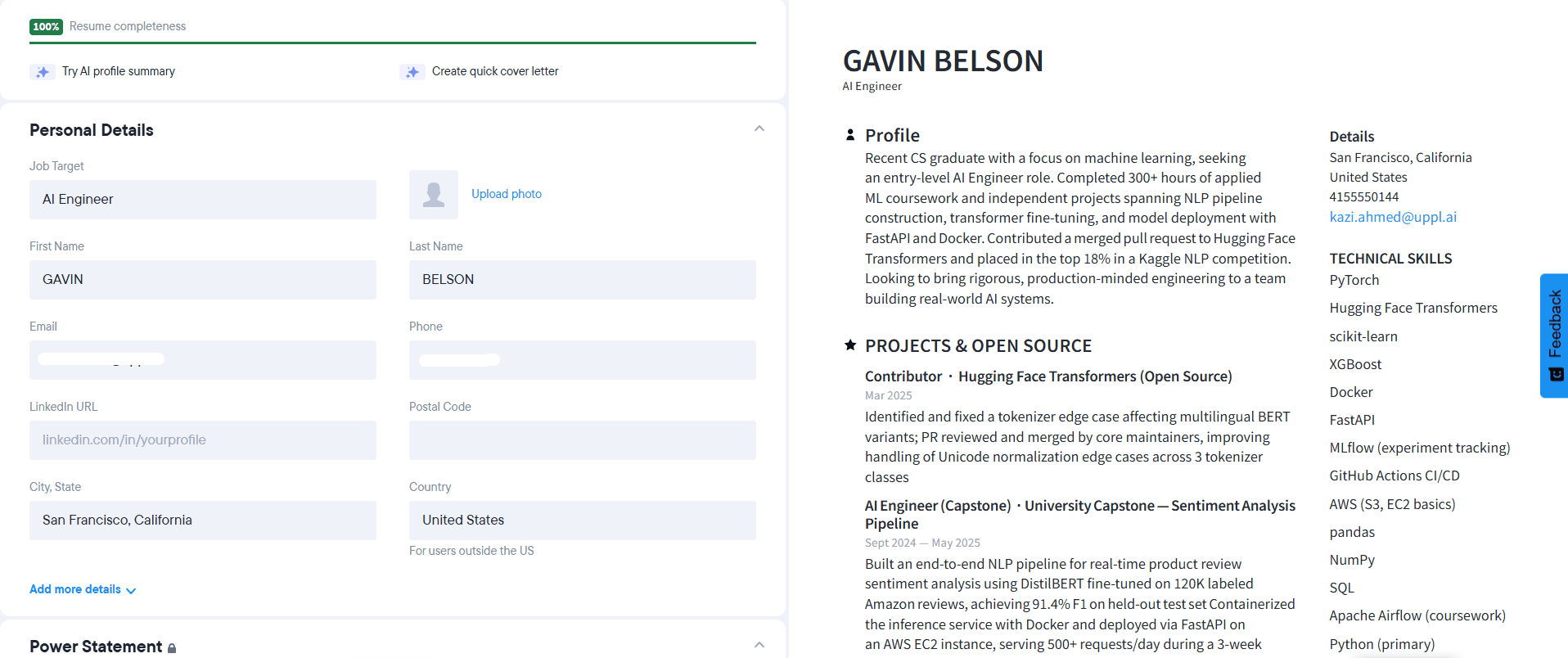
Upplai is the AI resume builder that doesn't ask you to trust it blindly. It tailors your resume to a specific job and shows you every change it makes, in plain language, before any of it sticks. You paste in a job description, and Upplai rewrites your existing resume to match it, optimizing for the keywords and recruiter conventions that get a resume read. Each suggestion comes with a short reason, and you accept, reject, or tweak it one at a time, so the final version is still yours.
Your ATS match score updates live as you work, a matching cover letter comes built in, and an application tracker keeps the job post, resume, and cover letter for every role in one place, even after the listing comes down.
The best thing about Upplai is that there's no subscription. The free tier covers three tailored resumes with cover letters and 200 ATS scores a month with no card. After that, you pay per resume, starting from $0.50 per tailored resume.
What Users Liked About Upplai
- Every edit is explained: It tailors your resume to a job description and shows each change in plain language, so you know why it was made
- You stay in control: You accept, reject, or modify each suggestion one click at a time, which keeps invented claims off your resume
- Real-time ATS score: Your match score updates in real time as you tailor, and a matching cover letter is included
- Application tracker: It saves the job description, resume, and cover letter for each role, even after the posting comes down
- A real free tier: Three tailored resumes with cover letters, 200 ATS scores a month, and unlimited downloads, with no card required
What Users Didn't Like About Upplai
- A small template library: Upplai keeps its set of templates limited, so there isn't much to pick between next to design-first builders
- Plain by design: The focus is on parseable, recruiter-ready formatting rather than visual polish, so anyone after a striking, design-led resume should look elsewhere
Upplai Pricing
- Free: Three tailored resumes with cover letters, 200 ATS scores per month, unlimited downloads, no card
- Pay-per-resume: $0.50 to $1.00 per resume after the free tier
JobLeads: Best All-In-One Resume Builder + Job Search Platform
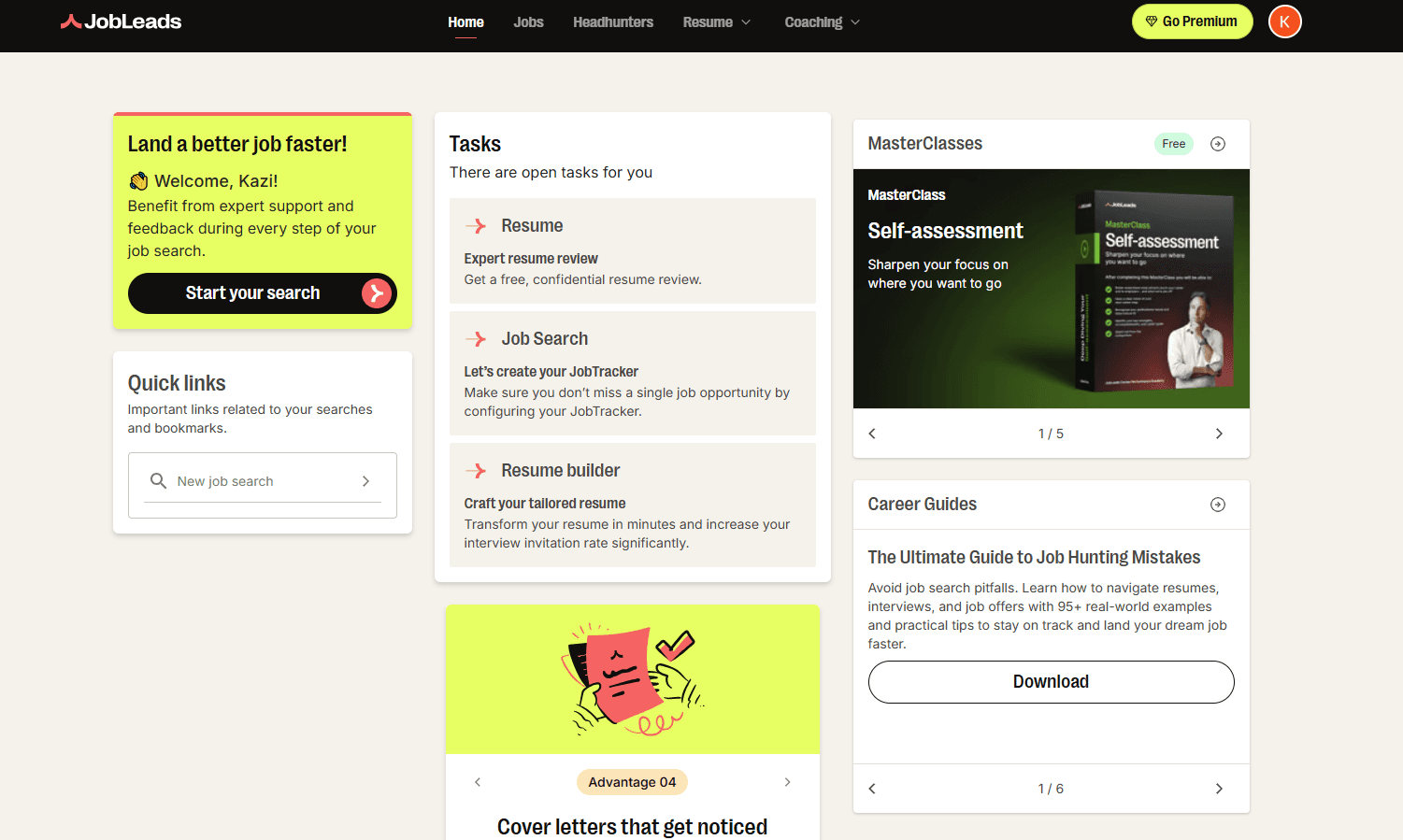
JobLeads is the rare tool that doesn't stop at the document. It sits inside a full job-search platform, so the AI tailors your resume to a specific job description, drafts a matching cover letter, and then feeds you personalized job matches — all from one account, without switching tools.
It's built for people who want the builder and the search to work together instead of juggling separate tools, and the free expert review and headhunter network give it some reach beyond entry-level roles too.
What I Liked About JobLeads
- All-in-one workflow: You build a resume and apply to matching roles from the same platform, which is genuinely useful if you don't want to juggle a separate builder and job board
- AI job-specific tailoring: It automatically adjusts your resume to any job description and generates a matching cover letter, so each application feels custom instead of copy-pasted
- ATS optimization built in: Keyword optimization and ATS-friendly templates help you clear applicant tracking filters fast, handy if you haven't updated your resume in years and need to apply this week
- Strong for senior roles too: Beyond entry-level, it taps a network of 40,000+ headhunters, so experienced professionals targeting leadership or six-figure roles get matched to opportunities that aren't on public boards
- Free expert resume review: A complimentary review scores your draft on style, writing, ATS compatibility, and impact, which most builders don't include
- Candidate-first model: You're the customer, not employers or recruiters, so your data isn't sold off and results aren't skewed toward paid listings. It's rated "Excellent" on Trustpilot across 21,000+ reviews
What I Didn't Like About JobLeads
- Best features need Premium: There's a free plan, but the deeper AI tailoring and full platform access sit behind a paid tier
- More than a standalone builder: If you only want a quick one-off resume, the wider platform is more than you need
JobLeads Pricing
- Free: Free plan available
- Premium (14-day trial): $2.99
- Premium (3 months): $99.99
Enhancv: Best for Visually Polished Resumes
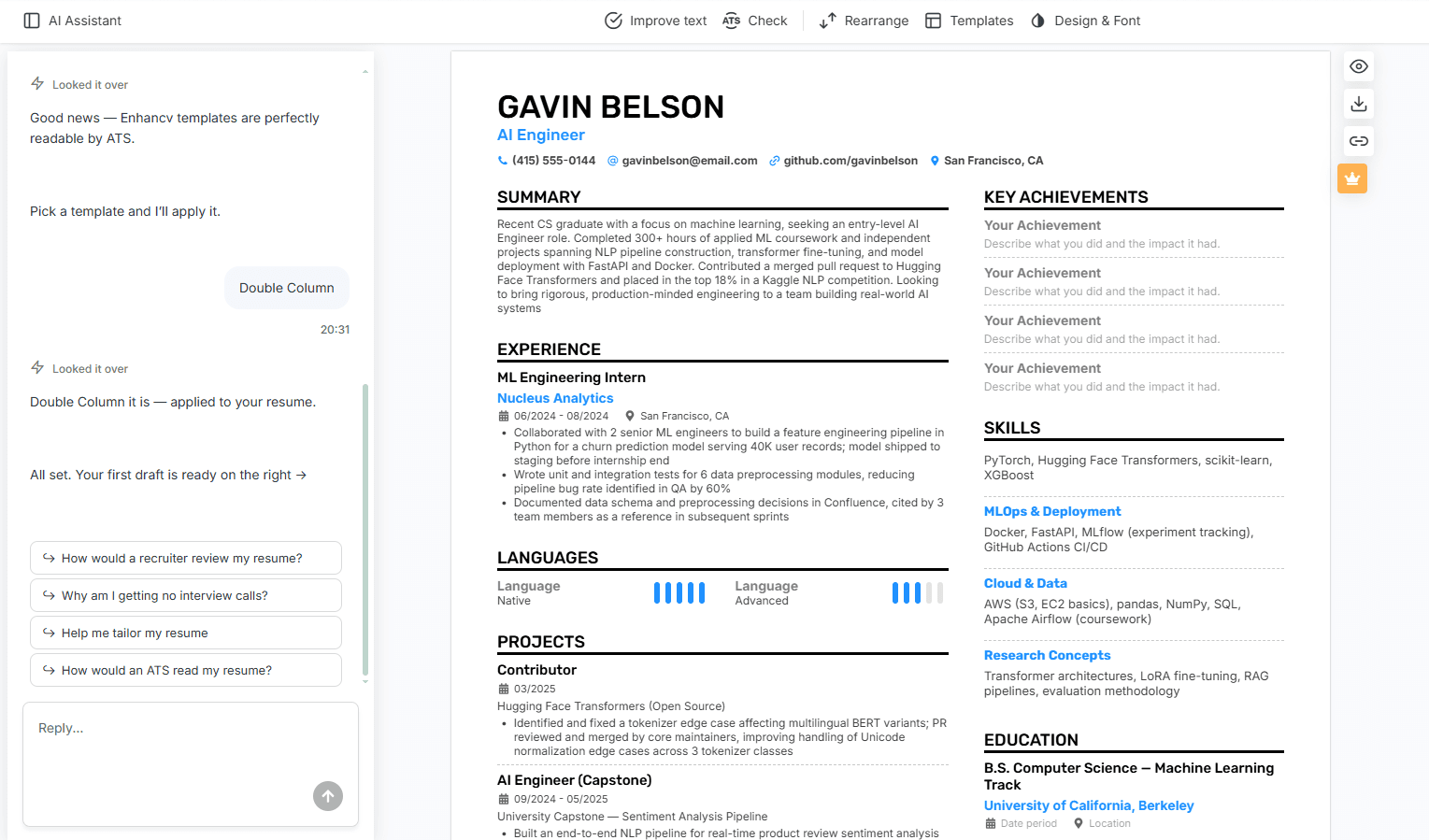
If you care about how your resume looks and want help with the writing too, Enhancv is the strongest design-first option here. The templates are genuinely attractive, and it pairs them with content suggestions and an ATS check so the design doesn't sink your chances.
The reviews back this up. People mention landing several interviews and getting through career transitions with it, and the support team comes up positively, including one reviewer who forgot to cancel after getting a job and was refunded.
However, there's no permanent free plan, just a 7-day trial, and a download without branding requires a paid plan. The most creative templates can also need an ATS score check before you send them.
What I Liked About Enhancv
- Attractive, modern templates: The designs stand out while staying readable
- Content guidance: Built-in suggestions help you phrase achievements when you get stuck
- Design flexibility: You can rearrange sections and shape the layout around your own story
- Helpful support: One reviewer forgot to cancel after landing a job and received a full refund
What I Didn't Like About Enhancv
- No permanent free plan: You get a 7-day trial, then editing locks behind premium
- Watermark on free downloads: Removing it requires a paid plan
- Creative templates need an ATS check: The bolder designs can confuse some parsers, so test before sending widely
Enhancv Pricing
- Around $24.99/month
Resume Genius: Best Resume Builder for Beginners
What truly sets Upplai apart is its educational approach. By explaining resume changes rather than just making them, Upplai demonstrates a commitment to not only improving your current job applications but also enhancing your resume-writing skills for the future. Whether you're learning to craft compelling professional experience bullet points, list certifications effectively, or optimize for specific roles, the platform teaches principles you'll use throughout your career.
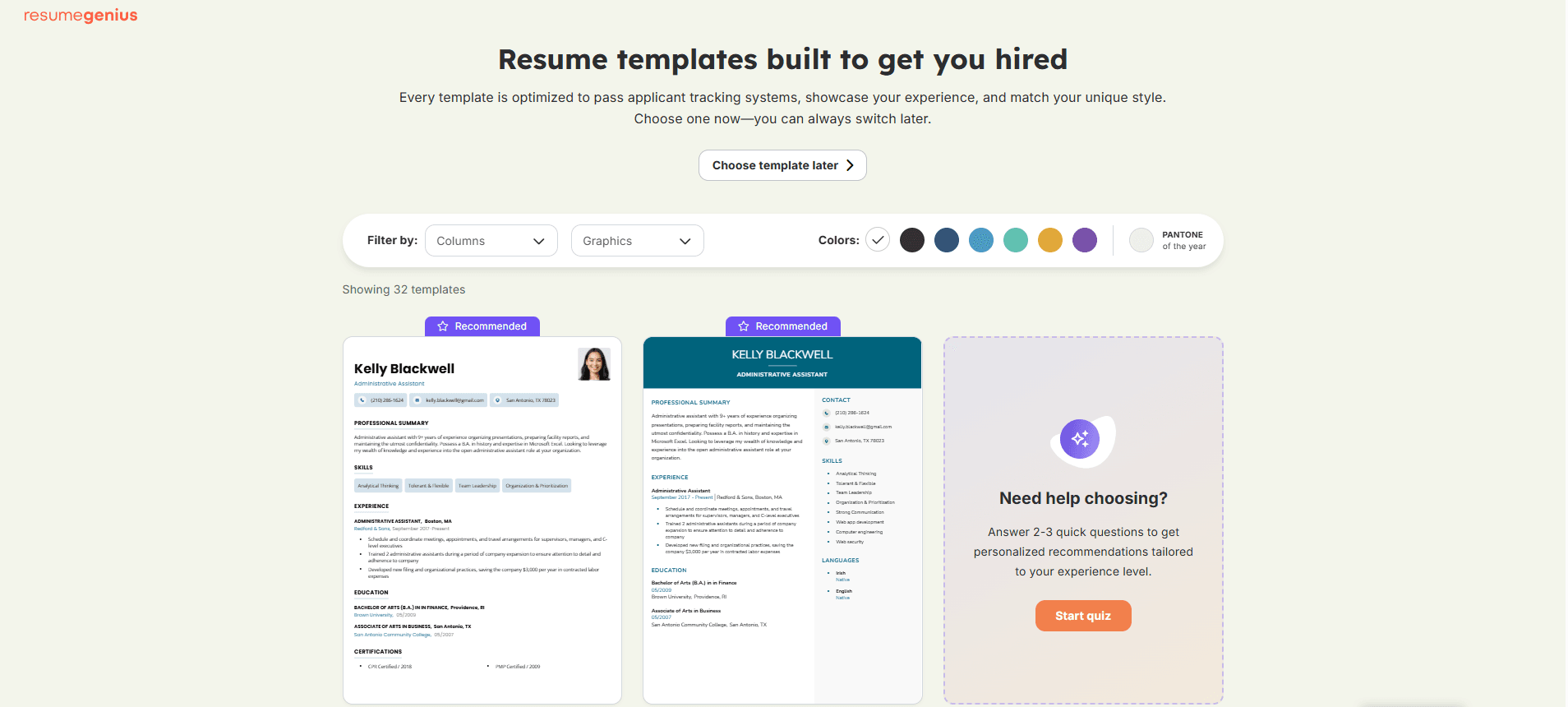
You pick from 35-plus traditional, ATS-friendly resume templates, fill in your details with guidance at every step, and export to Word or PDF.
What stands out in the reviews is the human support, with an unusual number of people naming specific reps who fixed their account problems fast.
What I Liked About Resume Genius
- Genuinely easy: People who hadn't written a resume in years, or ever, found it simple and well-guided
- Helpful pre-written content: The side prompts and AI summary generator give you wording to start from when you're stuck
- Strong human support: An unusual number of reviews name specific support reps who solved problems quickly, and some even helped people cancel
- Word export and free sample templates: You can download free Word and Google Docs sample templates without paying, and paid plans export your finished resume in Word or PDF
What I Didn't Like About Resume Genius
- You build for free, then pay to download: Many reviewers spent an hour on a resume only to meet a paywall at the export step. The free plan only saves plain TXT
- The trial auto-renews, and cancelling is a chore: The $2.95 trial rolls into $23.95 every four weeks; there's no simple self-serve cancel, and some reviewers only noticed the charges months later through a fraud alert
- Buggy templates and formatting: Reviewers report editing blocks that lock, resumes that spill onto a second page, and Word exports that lose their formatting
- Limited layout control: You can't freely rearrange sections or move rows around
Resume Genius Pricing
- Free: Build a resume and download it as plain TXT, plus free Word and Google Docs sample templates, no card
- 14-day trial: $2.95, which auto-renews to $23.95 every four weeks unless you cancel (roughly $311 a year if you forget)
- Annual: $7.95/month, billed as $95.40 up front, for full Word and PDF access
Kickresume: Best AI Resume Builder
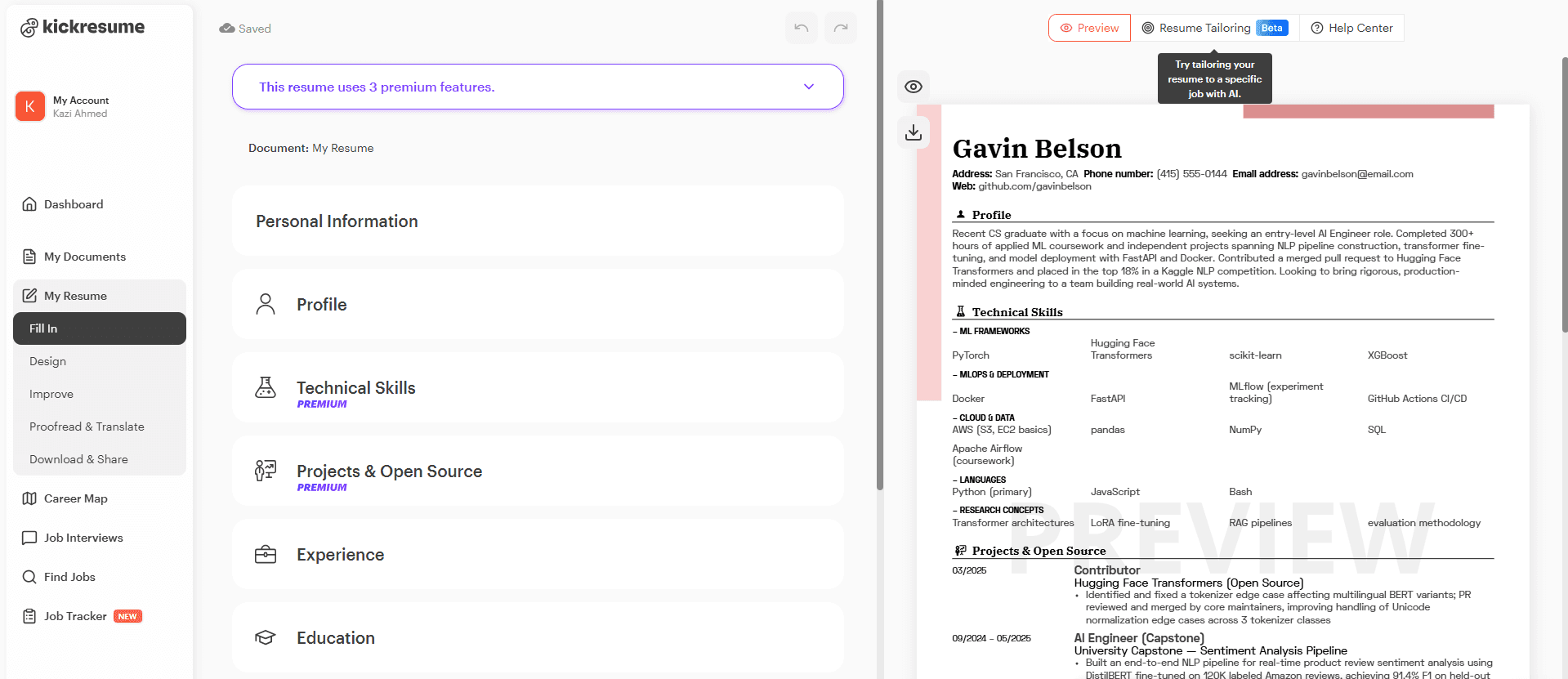
Kickresume is the pick when you want a design-forward resume and AI help getting the words down. The layouts are clean, the AI rewrites sections competently, and it includes an ATS simulation so you can sanity-check before sending. Reviewers describe finishing a resume in hours instead of days and like how polished the output looks.
What to watch: heavily designed templates can sometimes confuse ATS, so lean toward the simpler layouts for online applications. The free plan is fairly limited. Premium works out to about $8/month if you pay annually, and closer to $24/month if you pay month-to-month.
What I Liked About Kickresume
- Polished templates: The layouts look clean and professional out of the box
- Capable AI writer: It drafts and rewrites sections competently, which speeds up a first version
- ATS simulation: A built-in check lets you sanity-test the resume before sending it
What I Didn't Like About Kickresume
- Premium still caps your AI use: One paying reviewer hit a wall after 16 resumes with a message that they'd reached the AI usage limit included in their $24 membership, which catches people off guard when they expect premium to mean unlimited
- Word exports lose their formatting: Reviewers who downloaded to Word found the layout and fonts broke, which limits how much you can edit the file outside Kickresume itself
Kickresume Pricing
- Free: Unlimited resumes and customization options, with a small set of templates
- Monthly: Around $24/month
- Annual: About $8/month when billed yearly
Teal: Best Resume Builder for Job Tracking
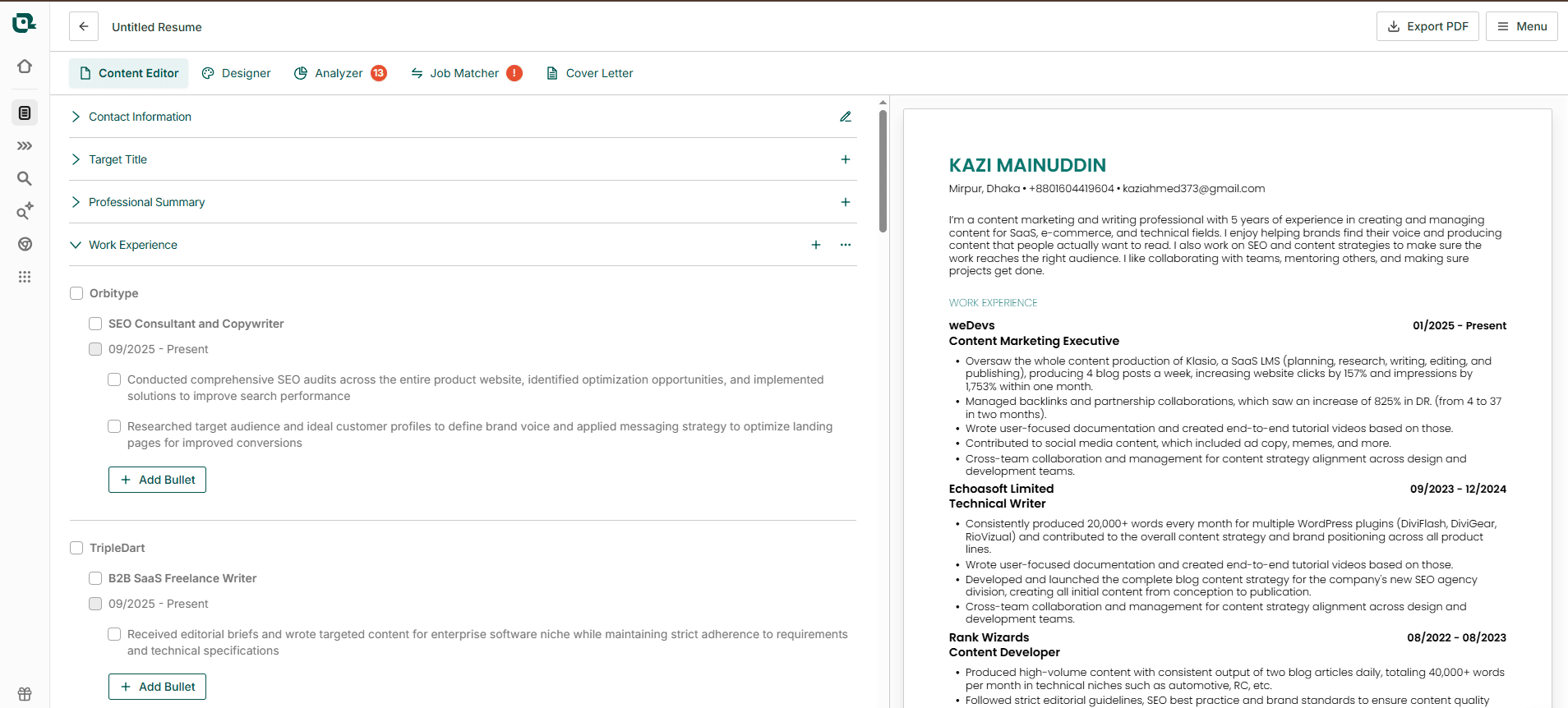
Teal is less about one perfect resume and more about managing the whole job search. Its Chrome extension saves job postings as you browse, the job tracker keeps every application and its status in one view, and a matching mode helps you tailor to specific roles.
Users who'd been running a messy spreadsheet describe it as a real upgrade for staying on top of dozens of applications.
However, the interface has more going on than a simple builder, so there's a small learning curve.
What I Liked About Teal
- Job-tracking Chrome extension: It saves postings from dozens of job boards into one organized tracker
- Application tracker: You can follow the status of every role you've applied to at a glance
- Final review before export: It gives the resume a score and a section-by-section breakdown before you download
What I Didn't Like About Teal
- Busy interface: More tools mean more navigation, and beginners can feel lost at first
- The AI writing help is thin: Teal's AI suggestions are lighter than what dedicated AI builders offer
- Templates need work: The designs are clean but minimal, so creative fields may want more
Teal Pricing
- Free: Unlimited resumes and downloads, with limited keyword matching and AI
- Weekly: Around $9/week for premium
Novoresume: Best for Clean One-Page Resumes
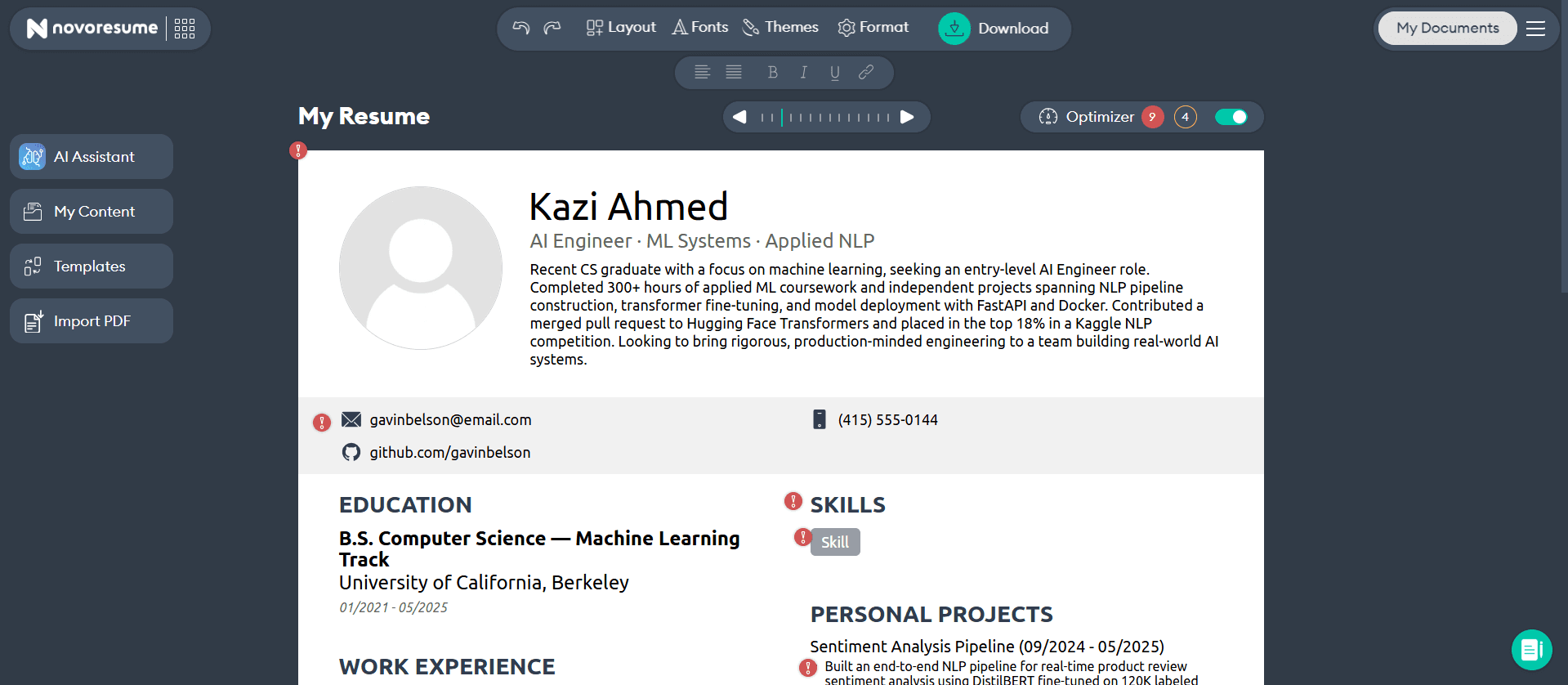
Novoresume does clean, structured, one-page resumes well. The templates look professional, and the builder guides you through each section, which helps if you're not sure what belongs where. It includes an ATS check, and reviewers tend to feel more confident in how their application looks after using it.
However, the free plan is quite limited, so you'll likely hit the paywall for real use. One recurring complaint is that downloads are PDF-only. So, if a recruiter asks for a Word file, you may get stuck.
What I Liked About Novoresume
- Guided builder: It walks you through each section, which helps when you're unsure what belongs where
- Content optimizer: A built-in check analyzes your resume and suggests improvements
- Version management: You can save tailored versions for different employers and reuse sections
What I Didn't Like About Novoresume
- Restrictive free plan: The free tier is limited to a single one-page resume with no cover letter
- PDF-only downloads: A recurring complaint is the lack of a Word export when a recruiter asks for one
- Sometimes over-helpful: The editor's section structuring can get in the way more than it assists
Novoresume Pricing
- Free: One one-page resume, predefined layouts, no cover letter
- Monthly: $19.99/month
- Longer plans: Three-month and annual billing lower the effective monthly rate
Zety: Best Resume Builder for Templates
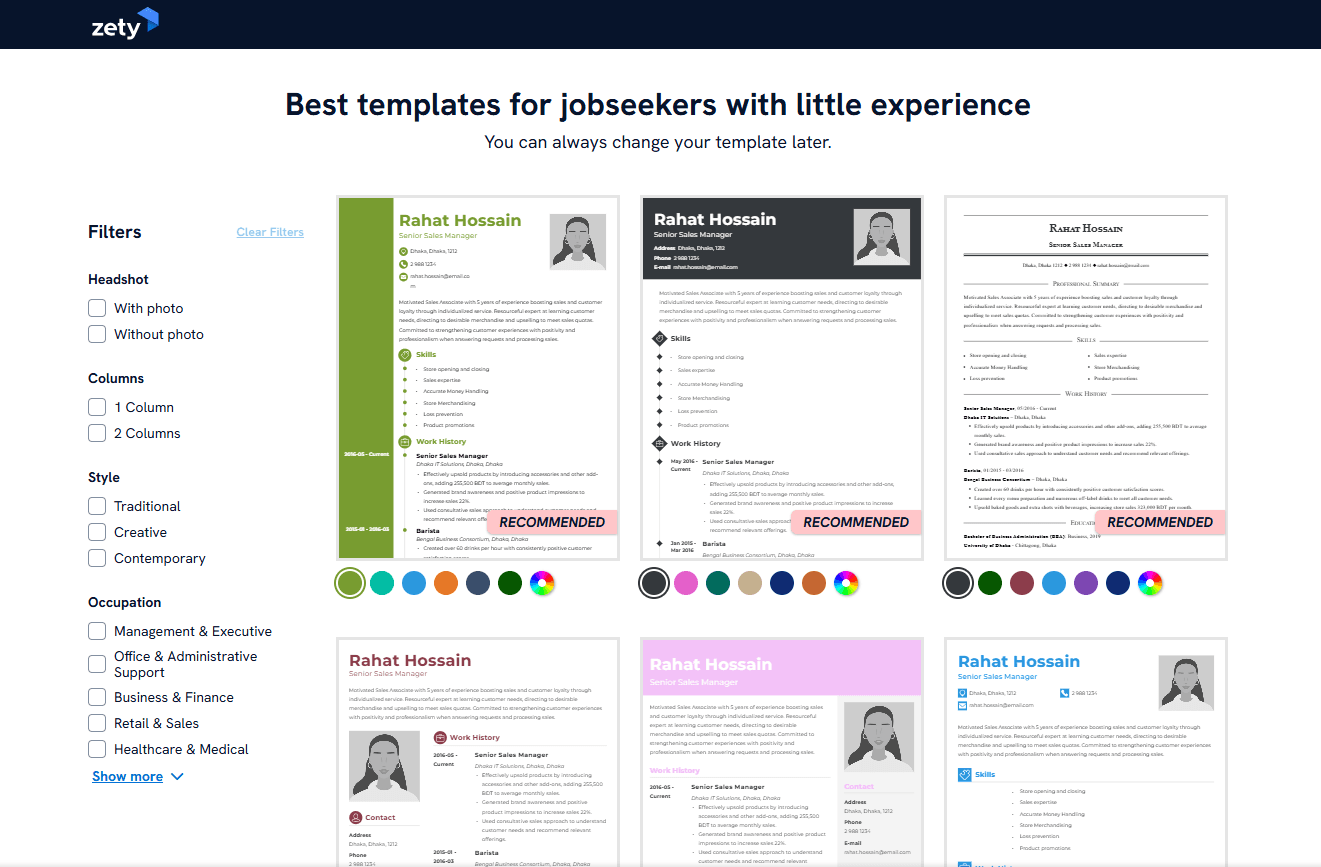
Zety is one of the most recognized names in resume building, and the product behind the name is solid. You get a large library of templates, content suggestions for each section, a resume score, and the option to build from scratch or upload an existing resume. Plenty of reviewers find it easy and say it modernized an outdated CV nicely.
What to watch, and this is the big one: you can build for free, but downloading requires payment. The access starts as a $1.95 trial that auto-renews to about $25.90/month, and the most common complaint across reviews is exactly this. People describe being charged after a trial they didn't realize would convert, and difficulty cancelling. If you use it, set a reminder and learn the cancellation path before you enter a card.
What I Liked About Zety
- Strong auto-suggestions: The content prompts help when you're writing the experience and skills sections
- Good guides and content: The writing advice is useful and available without signing up
- Clean, no-nonsense templates: The designs are simple and well-constructed
- Resume score: It rates your finished resume and suggests fixes, though the scoring can be hit or miss
What I Didn't Like About Zety
- Pay to download: You can build a full resume for free, then payment is required to export it
- Auto-renewing trial: The $1.95 trial converts to about $25.90 every few weeks unless you cancel, which is the single most common complaint in its reviews
- Occasional editor quirks: Reviewers mention clunky copy-paste and forced capitalization
Zety Pricing
- Free: You can build for free, but downloads require a paid plan
- Trial: $1.95 for 14 days, which auto-renews to about $25.90 every four weeks if you don't cancel
- Annual: Around $5.95/month billed upfront for the year
Resume.io: Best Resume Builder for Speed
Resume.io is in the same family as Zety and runs on a similar model. The editor is one of the smoother ones, with a real-time preview and a good range of templates, and it's a fast way to get a clean, conventional resume built.
If you want to use Resume.io, use the same caution as Zety. The pricing starts as a $1.95 trial that converts to roughly $24.95/month. You build for free but pay to download, and reviews include reports of charges continuing after people tried to cancel.
Overall, the product is fine. The billing model is what trips people up, so go in with your eyes open.
What I Liked About Resume.io
- Excellent live preview: Changes show in real time, which few builders handle this well
- Clear progress bar: You always know which step you're on before you can download
- Polished editor: It avoids the glitches that trip up several competitors
What I Didn't Like About Resume.io
- Limited customization: You can adjust color and font size, and little else
- Auto-renewing trial: The low-cost trial converts to roughly $24.95/month, and some reviewers report charges continuing after they tried to cancel
Resume.io Pricing
- Free: One resume with limited export options
- Trial: A low-cost trial (around $1.95) that auto-renews to about $24.95 every four weeks if you don't cancel
- Quarterly: Roughly $44.95 billed every three months
What to Watch Out for When Choosing a Resume Builder
After reading hundreds of reviews, two complaints came up far more than any other, and they're worth keeping in mind whichever tool you pick:
- Free to build, pay to download: Several popular tools let you spend an hour perfecting your resume, then ask for payment the moment you click download. The fix is simple: test the download step early, before you've sunk time in, so you know exactly when and whether you'll be charged
- Trials that auto-renew: A "$1.95 for 7 days" offer reads as cheap, but it often renews at $25 or more every four weeks, and the cancellation path can be hard to find on purpose. Before you enter a card, find the cancel button and read the renewal terms. Better yet, favor tools with a real free tier or one-time pricing so the question never comes up
Upplai is one of the few tools that sidesteps both traps. Its free tier lets you tailor and download without a card, and there's no subscription or auto-renewing trial to cancel, since you pay per resume instead.
Upplai also folds the pieces you'd otherwise juggle across separate tools into one place: a real-time ATS score checker, a resume tailored to the job, a matching cover letter, and a job tracker for every application.
A resume builder should help you land more interviews, not leave you fighting a subscription after you've already found the job.